Smart Solar Monitoring in 2026: The Complete Guide to Tracking Your Solar System Like a Pro
Table of Contents
- 1. What Is Smart Solar Monitoring?
- 2. How Solar Monitoring Works
- 3. Why Real-Time Monitoring Matters
- 4. SolarEdge Monitoring
- 5. Best Solar Monitoring Apps 2026
- 6. WiFi Solar Monitoring
- 7. Solar Monitoring Dashboard
- 8. Smart Solar Battery Monitoring
- 9. DIY Solar Monitoring System
- 10. Cloud-Based Solar Monitoring
- 11. IoT Solar Monitoring
- 12. Solar Panel Performance Monitoring
- 13. Solar Production Monitoring
- 14. Commercial Solar Telemetry
- 15. Automatic Solar Data Logger
- 16. Choosing the Right Setup
- 17. Smart Solar Maintenance Monitoring
- 18. FAQ
- 19. Final Word
Imagine this: your solar panels have been underperforming for three weeks. Your electric bill comes in higher than expected. You had no idea anything was wrong.
That's exactly the problem a smart solar monitoring system solves — and in 2026, there's no excuse for flying blind with your solar investment.
Whether you just installed panels last month or you've had a system running for years, this guide walks you through everything you need to know about real-time solar monitoring, smart inverter tracking, WiFi solar telemetry, cloud dashboards, battery monitoring, and DIY setups. All from the perspective of someone who actually works with these systems every day.
What Is a Smart Solar Monitoring System?
A smart solar monitoring system is the combination of hardware sensors, communication protocols, and software that tracks your solar array's performance in real time. Think of it as a health tracker for your panels.
It collects data like:
- How much energy your panels are generating right now
- How that compares to what they should be producing based on sunlight
- Whether any individual panel or string is underperforming
- How much energy your battery bank has stored (if applicable)
- What your home is consuming versus what's being exported to the grid
A basic system might just show you total daily production. A smart solar monitoring system digs much deeper — panel-level diagnostics, historical trend analysis, fault alerts, and automated reports. For California-specific solar insights, check our Solar Calculator for California Home.
How Does Solar Monitoring Work?
The process starts at the inverter. Your inverter converts DC power from the panels into AC power for your home, and in doing so, it collects a mountain of performance data.
Modern smart inverter monitoring systems pull this data continuously. The inverter sends readings — typically every 5 to 15 minutes — to a data logger or gateway device connected to your home WiFi. That device pushes the data up to a cloud server, where it gets stored, processed, and made available through a mobile app or web dashboard.
Here's a simplified flow:
Some systems, like SolarEdge, use power optimizers at each panel to enable panel-level monitoring. Others rely on string-level data from the inverter itself. The more granular the data, the faster you can spot a problem.
Why Real-Time Solar Monitoring Matters More Than You Think

Most homeowners check their solar app maybe once a week, glance at the total production number, and move on. That's a mistake.
Real-time solar monitoring tells you things a weekly glance can't:
Shading events — a neighbor's new tree starts blocking morning sun on two panels. Your system loses 8% output. Without live monitoring, you'd never notice for months.
Inverter faults — your inverter throws a ground fault error at 7 AM, shuts itself off, and restarts. By 9 AM it's running normally. You'd never see it in a weekly summary, but your monitoring app logs it.
Production plateaus — your system should ramp up with sunlight but it's flat-lining. Something's throttling output. Live monitoring shows you exactly when and how much.
These are real scenarios that cost real money. A good home solar monitoring system catches them automatically. See how monitoring ties into your savings with our Monthly Savings Calculator.
SolarEdge Monitoring: The Gold Standard for Residential Systems
If you have a SolarEdge inverter, you already have access to one of the most powerful solar monitoring dashboards available to homeowners.
SolarEdge Monitoring Login and Dashboard Overview
Your SolarEdge monitoring login gives you access to the mySolarEdge app or the web-based monitoring portal. After signing in, you land on a dashboard that shows:
- Current power output (live, refreshed every few seconds)
- Daily, monthly, and lifetime energy production
- Revenue equivalent and CO₂ offset
- A panel-by-panel power map (if you have power optimizers)
- Alerts and system status
The panel-level map is where SolarEdge really shines. Each optimizer-equipped panel appears as a colored tile. Green means performing well. Yellow or red means something's off. You can tap any tile and see its exact voltage, current, and temperature.
SolarEdge Monitoring for Homeowner Login: What You Can Actually See
The homeowner portal gives you a slightly simplified view compared to what your installer sees, but it still covers the essentials.
You'll see your system's overall status, production history, self-consumption ratio (how much solar energy you use vs. export), and any active alerts. If your inverter trips off or a panel starts underperforming, you get an email notification automatically.
Pro tip: Set up your SolarEdge monitoring alerts under Settings > Notifications. The default notification settings miss some important warning states.
Best Solar Monitoring Apps in 2026
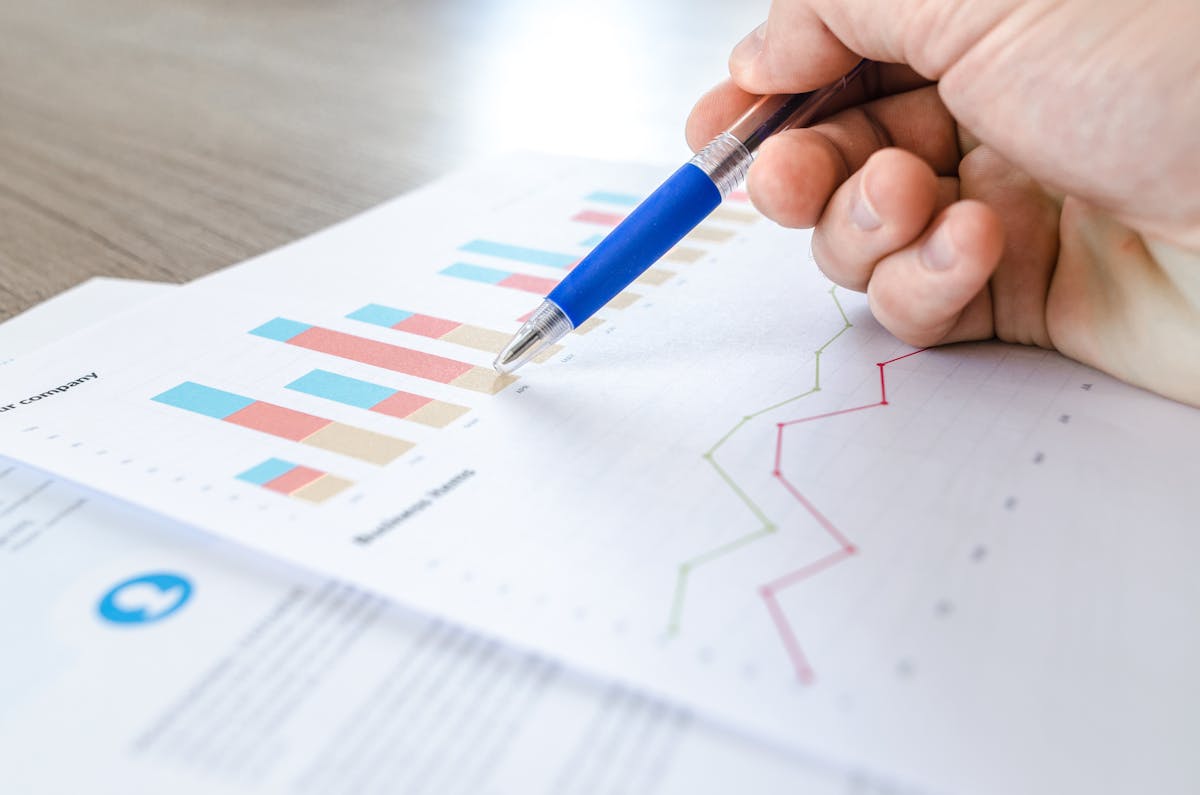
The best solar monitoring app depends on your inverter brand and what level of detail you need. Here's what's actually worth using.
SolarEdge App
Best for SolarEdge inverter owners. The app is polished, reliable, and shows panel-level data if you have optimizers. The live power flow screen — showing generation, home consumption, battery, and grid simultaneously — is genuinely useful for daily energy management.
Strengths: Panel-level diagnostics, clean interface, solid alert system
Weaknesses: Only works with SolarEdge hardware
Enphase Enlighten
If you have Enphase microinverters, Enlighten is your monitoring home base. It tracks every microinverter individually, which makes fault isolation incredibly precise.
Strengths: Per-microinverter data, detailed production history
Weaknesses: Only for Enphase systems
SolarLog
A more universal smart solar monitoring app that works with dozens of inverter brands. Popular with users who have multiple systems or mixed-brand setups. The free tier covers basics; the premium tier adds AI-powered performance alerts.
Solar Analytics
A strong option for homeowners who want intelligent performance benchmarking. Solar Analytics uses weather data to model what your system should produce, then compares it to actuals. When your panels underperform their weather-corrected forecast, it flags it.
Strengths: Performance ratio tracking, fault detection, energy bill analysis
Weaknesses: Requires a compatible smart meter or data logger
Fronius Solar.web
For Fronius Symo and Primo inverter owners, Solar.web is the native monitoring portal. Clean, functional, and free. The smart solar power tracking app integration with third-party home automation systems is a bonus.
WiFi Solar Monitoring: Connecting Your System to the Cloud
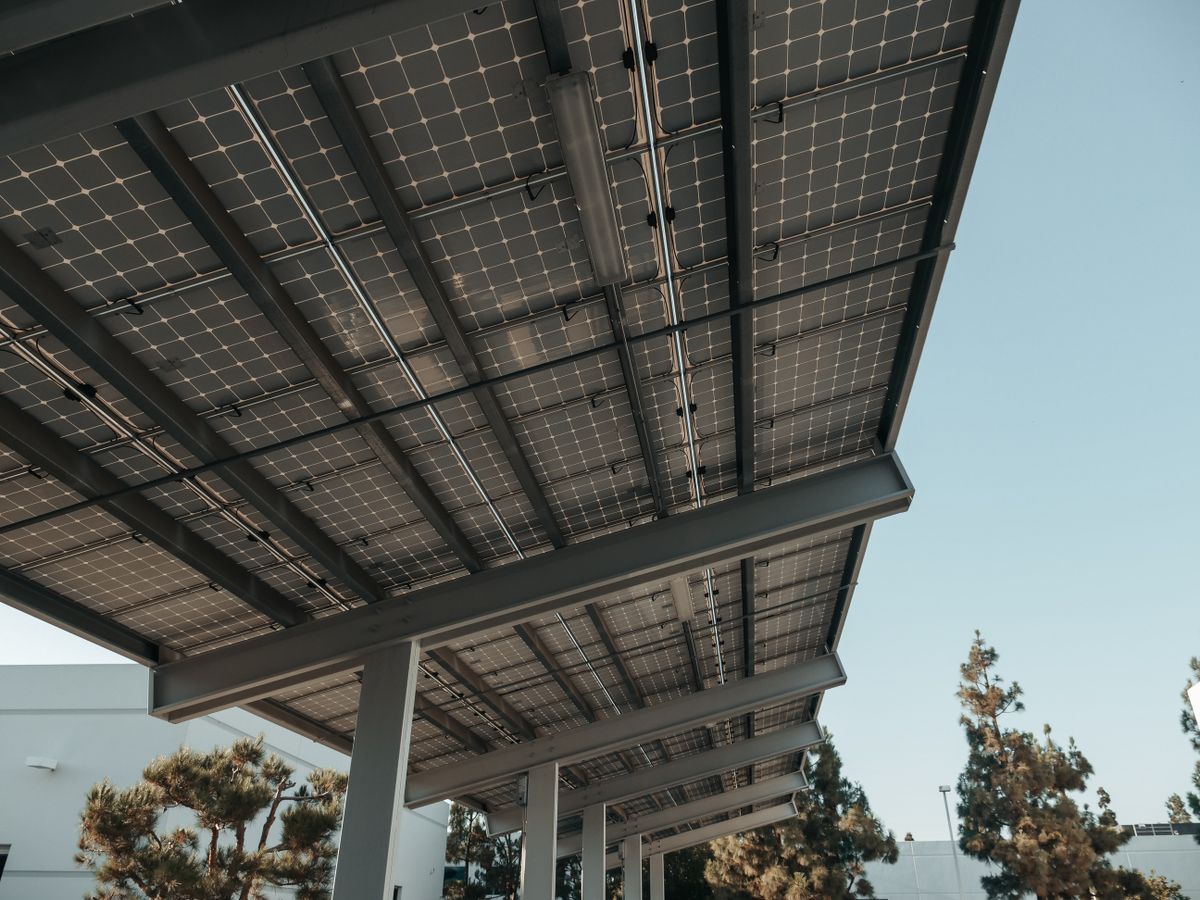
Almost every modern residential solar system uses WiFi to transmit monitoring data. Here's how to get it working reliably.
How WiFi Solar Panel Monitoring Works
Your inverter or data logger has a built-in WiFi module. During setup, you connect it to your home router just like any other smart home device — through the inverter's web interface or companion app.
Once connected, the device continuously pushes data to the manufacturer's cloud servers. You access that data through the app. No subscription fees for basic monitoring on most brands.
Common WiFi Solar Monitoring Problems (and Fixes)
Problem: App shows "No data" or system appears offline
Check whether the inverter's WiFi LED is solid or blinking. Blinking usually means it's trying to connect. Try these steps:
- Confirm your router is broadcasting on 2.4GHz (most inverter WiFi modules don't support 5GHz)
- Check whether your router recently changed passwords
- Reboot the inverter using the disconnect switch on the DC side, wait 60 seconds, restart
- If nothing works, use an Ethernet connection temporarily and reconfigure WiFi through the inverter interface
Problem: Data uploads but with gaps
This usually means intermittent signal. Your inverter is too far from the router, or there's interference. Solutions: WiFi extender positioned between the inverter and router, or a powerline adapter to bring wired connectivity to your electrical panel.
Problem: Data shows wrong time zone
Go into your inverter's network settings and update the NTP time server. This is a common issue after daylight saving changes and causes production graphs to look shifted.
Solar Monitoring Dashboard: What to Look For

A good solar monitoring dashboard shows you more than just today's production number. Here's what a useful dashboard includes.
Key Metrics Every Solar Dashboard Should Display
Live power output — right now, in kilowatts. Updated every few seconds ideally.
Daily production graph — how output has changed throughout the day. A healthy graph looks like a smooth bell curve peaking at solar noon. Notches in the curve reveal shading, clouds, or equipment issues.
Performance ratio — your actual production divided by what your system could theoretically produce given today's irradiance. Anything below 75% on a sunny day warrants investigation.
String or panel comparison — if one string or panel is consistently producing 15% less than its neighbors, something is wrong. Dirt, shading, a failing optimizer, or a wiring issue.
Grid export vs. self-consumption — how much of your solar energy are you actually using in your home versus sending back to the grid?
System alerts — any current faults, warnings, or communication errors.
Smart Solar Battery Monitoring: Don't Ignore Your Storage System
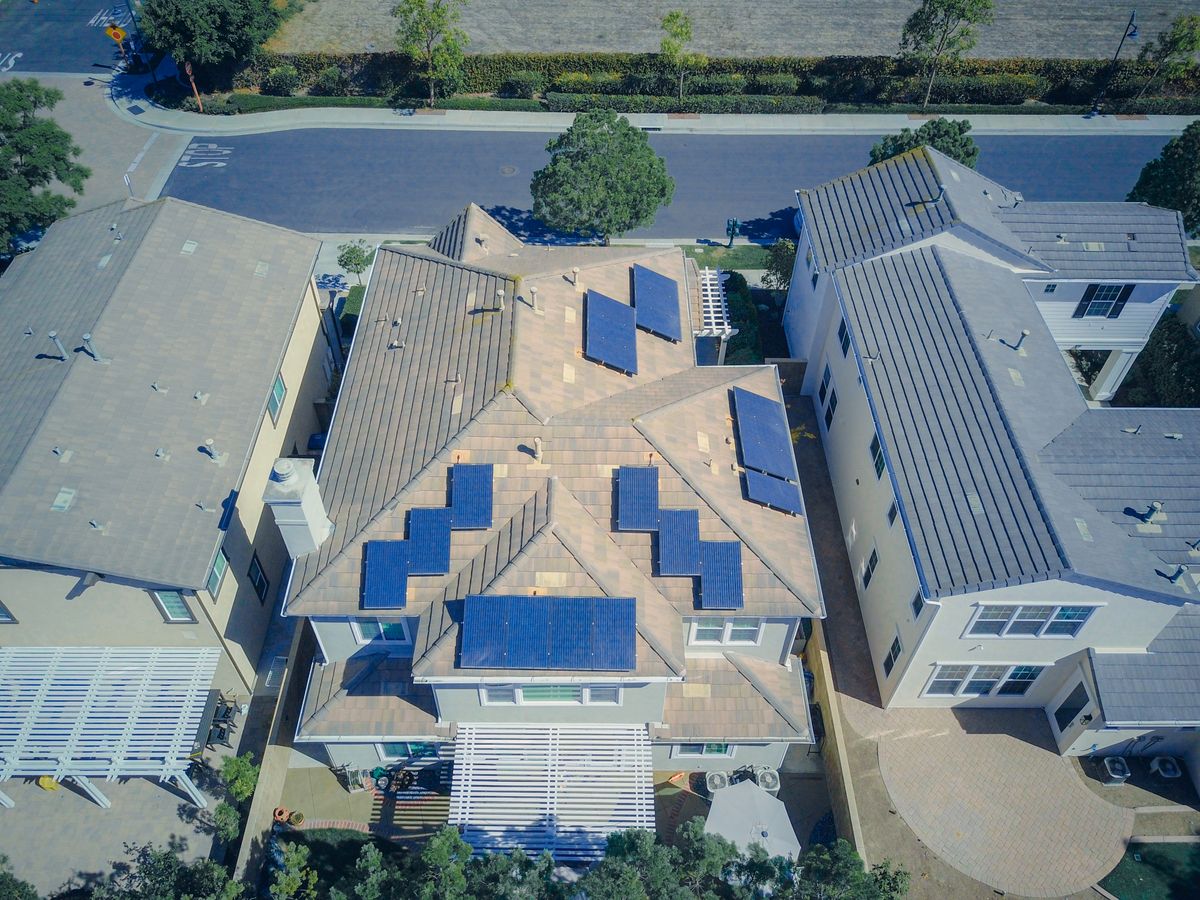
If your solar system includes a battery bank — whether a Tesla Powerwall, LG CHEM RESU, Sonnen, or DIY lithium setup — monitoring the battery is just as important as monitoring the panels. For a deeper dive into battery options, see our Battery Storage Guide.
What Smart Solar Battery Monitoring Tracks
State of Charge (SOC) — what percentage of capacity does the battery currently hold? This is your headline metric.
Cycle count — how many full charge/discharge cycles has the battery completed? Batteries degrade with cycles, and tracking this helps you predict remaining lifespan.
Temperature — battery chemistry is sensitive to heat. Lithium batteries performing outside the 15–35°C range should be investigated.
Charge and discharge rates — too-fast charging or discharging stresses cells and accelerates degradation.
Cell voltage balance — in battery packs made of multiple cells or modules, voltage imbalance between cells is an early warning of pack degradation.
How to Monitor Solar Battery Health
The simplest approach: use your inverter or battery management system's native app. Tesla Powerwall owners use the Tesla app. Sonnen battery owners use the SonnenPortal.
For more control, a Victron Energy Cerbo GX is one of the best monitoring hubs available for solar battery systems. It works with a wide range of battery types and displays detailed cell-level data through the VRM online portal. The Victron Connect app gives you SOC, voltage, current, temperature, and alarm history — all on one screen.
How to Monitor Solar Battery Health on a DIY System
If you built your own lithium battery pack using 18650 cells or prismatic LiFePO4 cells, you need a proper BMS (Battery Management System) with a Bluetooth or RS485 communication interface.
The JK BMS and DALY BMS are popular choices that include app connectivity. They show individual cell voltages, pack SOC, temperature at multiple points, and fault logs. Pair them with a Victron shunt for current measurement and you have a complete picture.
DIY Solar Monitoring System: Build Your Own Setup
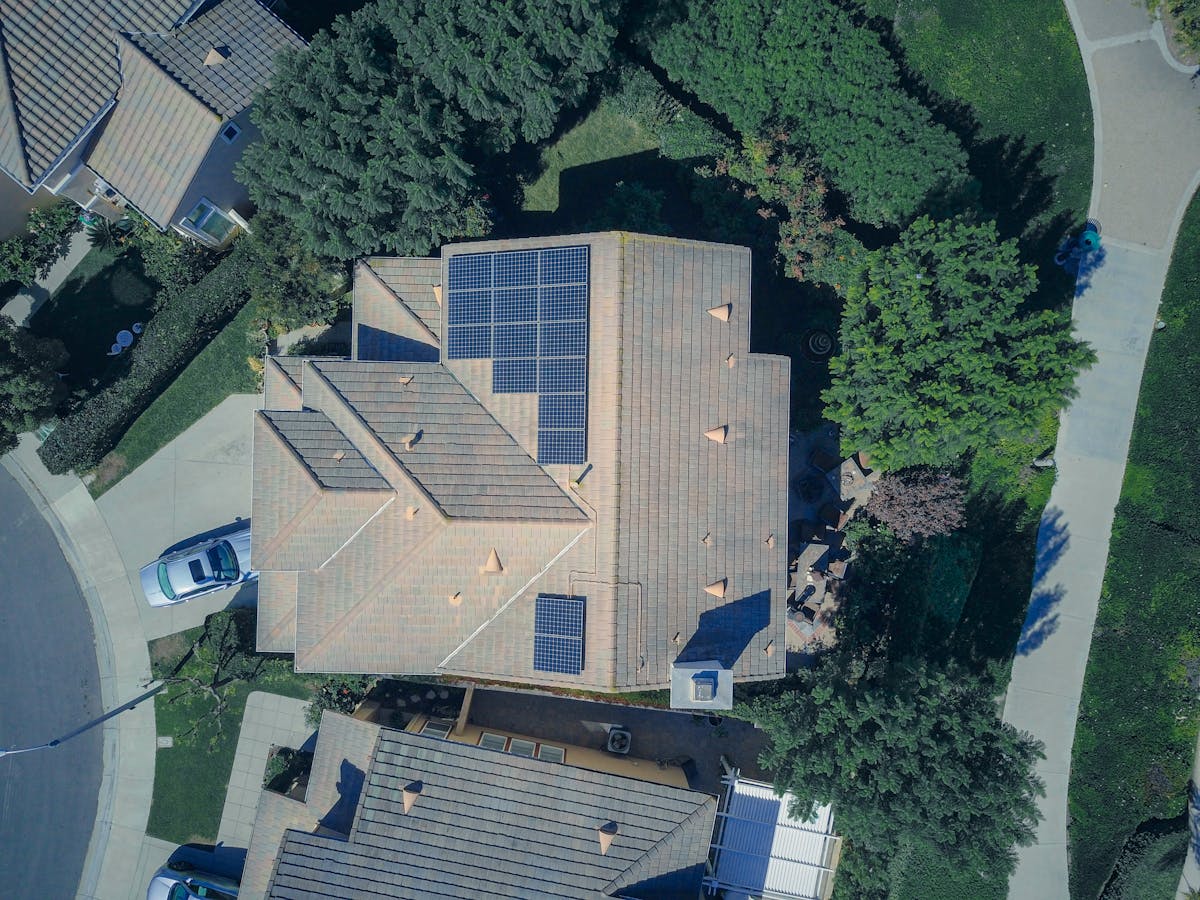
Commercial monitoring systems are convenient but limited. If you want custom dashboards, local data logging, or integration with home automation platforms, building a DIY solar monitoring system gives you complete control.
DIY Solar Monitoring with Raspberry Pi and Modbus
Many inverters communicate over Modbus RTU (RS485) or Modbus TCP (Ethernet). A Raspberry Pi with an RS485 USB adapter can poll your inverter for data every few seconds and log it locally.
Here's the basic architecture:
InfluxDB stores time-series data. Grafana visualizes it. You end up with a completely custom solar monitoring dashboard running on your local network — no cloud dependency, no subscription, and you can track any parameter your inverter exposes.
Popular Python libraries for this: pymodbus for Modbus communication, influxdb-client for data storage, and the Grafana interface runs in a browser.
DIY Solar Monitoring with Home Assistant
Home Assistant is the most popular home automation platform for DIY solar monitoring integration. It supports dozens of inverter brands natively through integrations:
- SolarEdge integration — pulls production, consumption, and battery data
- Enphase Enlighten integration — microinverter data per panel
- Fronius integration — full inverter telemetry
- Goodwe integration — popular for budget inverter setups
- MQTT broker — for custom IoT sensor data
Once your solar data is in Home Assistant, you can build automations like: "If battery is above 80% and solar production exceeds home consumption, turn on the water heater." That's real smart home solar management.
DIY Solar Panel Efficiency Monitoring for Beginners
You don't need a Raspberry Pi to start monitoring. Here's the simplest possible DIY setup that actually works:
- Get a Shelly EM energy monitor — it clamps onto your main panel wires and measures import/export in real time
- Connect it to your WiFi
- Use the Shelly app or pull data into Home Assistant
For about $30, you have real-time solar production monitoring without touching your inverter at all. It measures net energy flow at the meter point, and combined with your inverter's reported output, gives you self-consumption data.
Cloud-Based Solar Monitoring: Why It Matters
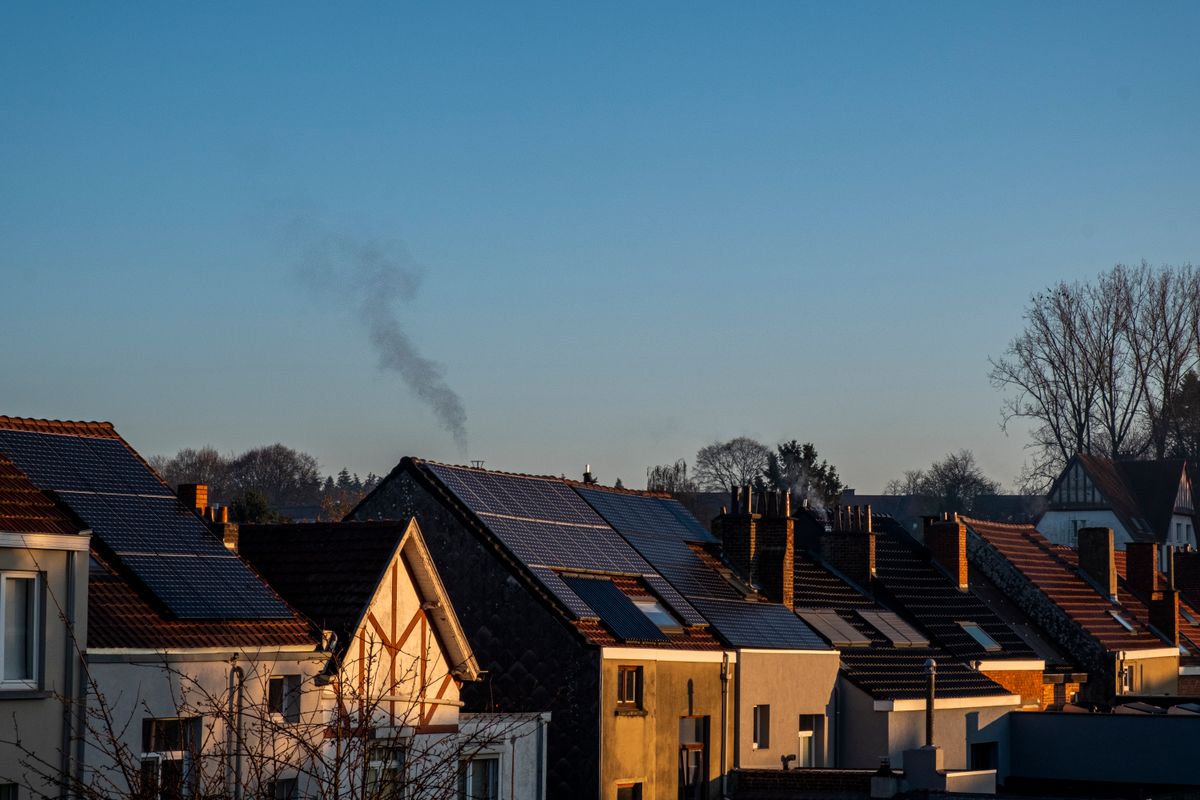
Local monitoring is great for DIYers, but cloud-based solar monitoring systems offer something important: accessible data from anywhere, automated backups, and long-term trend analysis without running your own server.
How Cloud Tracking for Solar Panels Works
Your inverter or data logger sends encrypted data to manufacturer servers (or a third-party aggregator like PVOutput or Solar Analytics) at regular intervals. The cloud platform:
- Stores unlimited historical data
- Runs automated performance analysis
- Sends alerts when something looks wrong
- Generates monthly and annual production reports
- Enables remote diagnostics by your installer
PVOutput: Free Community Solar Monitoring
PVOutput is a free community platform where solar owners log and share their production data. It lets you compare your system's performance against similar setups in your area, which is genuinely useful for benchmarking.
After registering, you configure your inverter or data logger to push data to PVOutput. Most major brands have native PVOutput support. The platform shows daily production logs, efficiency metrics, and lets you join teams to compare notes with other solar owners locally.
Remote Solar Monitoring for Off-Grid Systems
Off-grid solar monitoring comes with unique challenges — your system isn't connected to the grid, and often it's in a remote location with limited or no WiFi. For off-grid guidance, see our Solar Calculator for Off Grid Cabin.
For remote locations, cellular data monitoring is the standard solution. Products like the Victron GX GSM cellular adapter or Elsner Elektronik solar data loggers with 4G connectivity send data over cellular networks to cloud dashboards.
For the absolute remotest installations — mountain cabins, agricultural sites, boats — Victron's VRM portal with a satellite communication module is the gold standard. See also our Van & Boat Life Solar Guide for mobile solar setups.
IoT Solar Monitoring: The Next Level of Automation
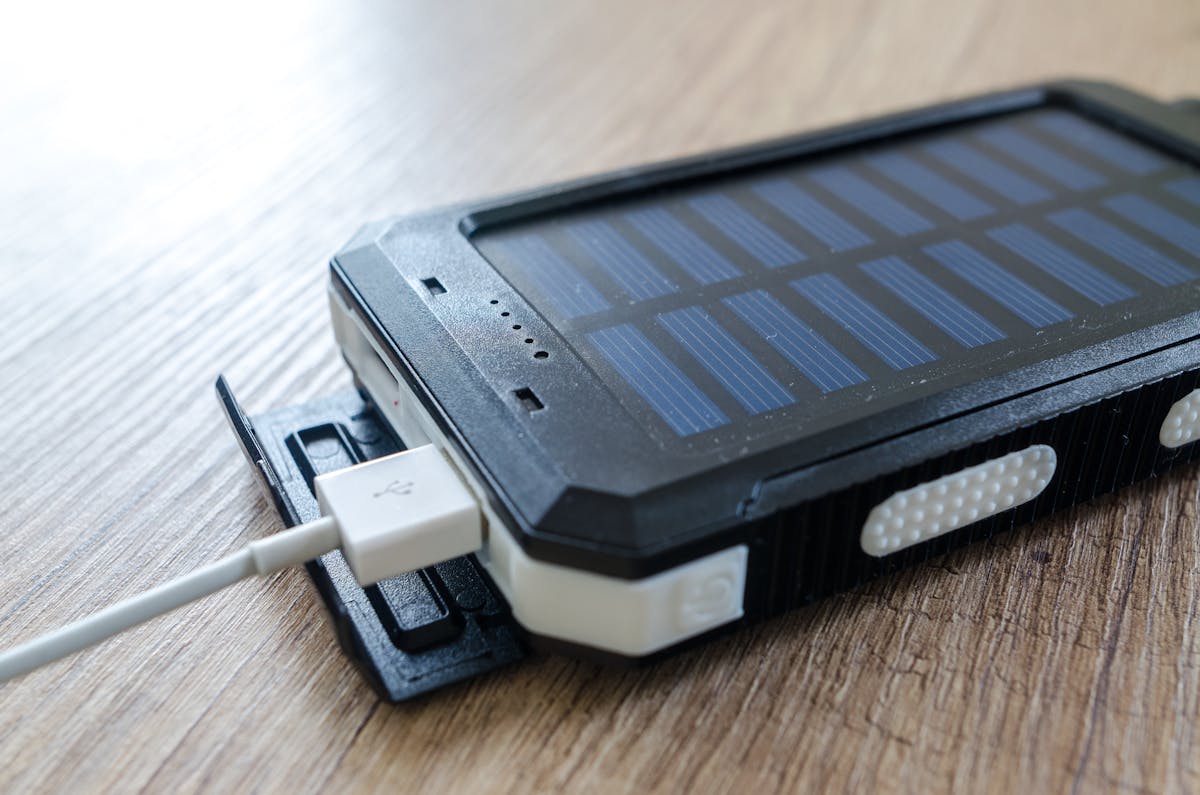
Internet of Things (IoT) integration takes solar monitoring from passive data collection to active energy management.
Smart Home Solar Monitoring Integration
When your solar system talks to your smart home, you can do genuinely useful things:
Dynamic load shifting — automatically run your dishwasher, EV charger, or pool pump when solar production is high. Maximizes self-consumption and reduces grid import.
Smart EV charging — many EV chargers (Wallbox, EV Box, Zappi) now have solar-aware charging modes. They automatically ramp up charging rate when there's excess solar and slow down when clouds reduce production.
Battery dispatch automation — tell your battery to charge only from solar and discharge only during peak rate hours, without manual intervention.
Heating and cooling management — pre-cool or pre-heat your home during peak solar hours to reduce evening energy draw.
Smart Solar Analytics Platform Features Worth Paying For
The free tier of most monitoring platforms shows you what happened. Premium smart solar analytics platforms predict what's coming and tell you what to do about it.
Features that justify subscription costs:
AI-powered fault detection — algorithms that flag unusual production patterns before they become serious problems. A panel that's degrading slowly looks normal month-to-month but stands out against a properly trained model.
Weather-normalized performance — comparing your production to last July is meaningless if last July was sunnier. Weather normalization removes that variable so you're comparing apples to apples.
Soiling detection — identifies when your panels need cleaning based on production trends relative to weather models. Not just useful — financially significant.
Degradation tracking — long-term panel degradation is real. Premium platforms plot your system's efficiency over years, so you know whether your panels are degrading at the expected 0.5% per year or faster. For maintenance tips, visit our Solar Maintenance Guide.
Solar Panel Performance Monitoring: Spotting Problems Early

The most practical value of solar monitoring is catching performance problems before they cost you significantly.
Why Is My Solar Production Lower Than Expected?
This is the most common question in solar monitoring communities. Here's a systematic way to diagnose it.
Step 1: Check weather data
Was it cloudier than normal? Use a service like SolarAnywhere or NASA's POWER database to pull historical irradiance data for your location on the days in question. If irradiance was 15% below average, expect production to be down proportionally.
Step 2: Check inverter alerts
Log into your monitoring dashboard and look at the alerts or events log. Inverter faults — ground faults, arc faults, isolation faults, MPPT errors — all show up here and directly reduce production.
Step 3: Check string or panel data
If you have panel-level monitoring, look for outliers. One panel producing 40% less than its neighbors is almost certainly dirty, shaded, or has a failing optimizer. A whole string underperforming points to a wiring issue or a bad MPPT channel in the inverter.
Step 4: Check for shading changes
Walk outside and look at your roof during peak production hours. New obstructions — tree growth, antenna installation, HVAC units added to neighboring buildings — can significantly reduce production and are easy to miss if you're not looking.
Step 5: Check inverter efficiency
Your inverter converts DC from the panels to AC for your home, and it should do so at 95-97% efficiency. If your monitoring data shows DC input power significantly higher than AC output power beyond that range, your inverter may be degrading.
Solar Panel Monitoring Devices for Enhanced Diagnostics
Beyond standard inverter monitoring, dedicated solar panel monitoring devices can give you more granular data.
Smart power optimizers like SolarEdge power optimizers or Tigo optimizers attach to each panel and enable per-panel monitoring. If you don't already have them, they can sometimes be retrofitted.
Wireless panel-level monitors like the Tigo CCA monitor can be added to existing string inverter systems without replacing your inverter.
Thermal imaging — a professional tool, but renting or hiring a thermal drone survey of your panels identifies hot spots and failing cells that no electronic monitoring can detect. Worth doing every 3-5 years on older systems.
Solar Production Monitoring: Tracking Output Over Time
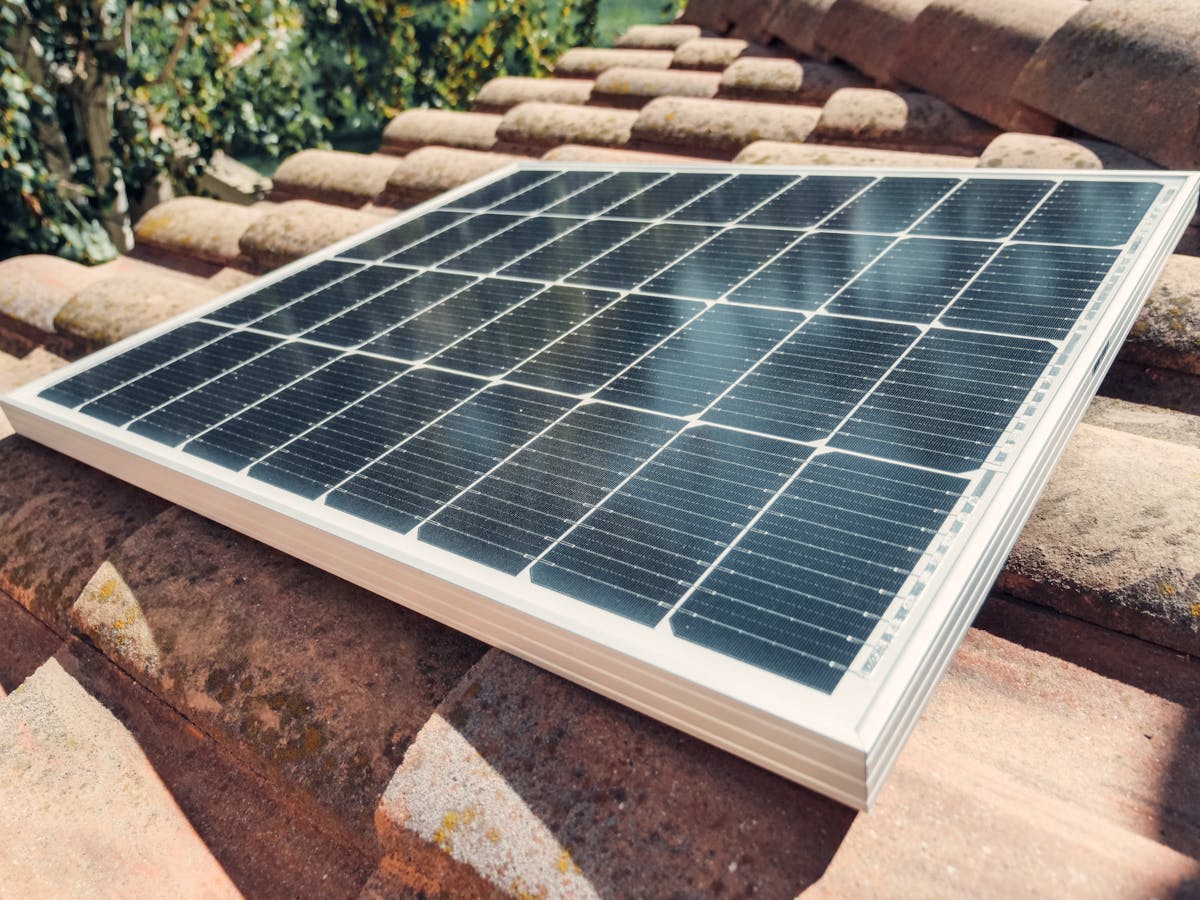
Understanding your long-term solar production trend is as important as live monitoring.
How to Track Solar Energy Production Year Over Year
Most monitoring platforms automatically generate monthly and annual production reports. But the real insight comes from normalized comparisons.
Your raw kWh production will vary year to year based on weather — a particularly sunny summer versus a cloudy one can create 10-15% variance. To understand whether your system is truly performing well, calculate your specific yield: annual production in kWh divided by system capacity in kWp.
A well-maintained system in the American Southwest should yield 1,600–2,000 kWh per kWp per year. Northeast systems typically see 1,100–1,400. Anything significantly below regional norms warrants investigation. For USA-wide solar context, see our Solar Calculator USA.
Monitoring Solar Panel Degradation Over Time
Solar panels lose efficiency gradually — typically 0.5% per year under warranty. After 25 years, a panel at 0.5% annual degradation should produce about 87.5% of its original rated output.
Your monitoring data is the only way to track this accurately. Plot your specific yield year over year, adjusting for documented weather differences. If you're seeing 1.5-2% annual decline, that's a degradation problem worth addressing.
Commercial Solar Telemetry Software
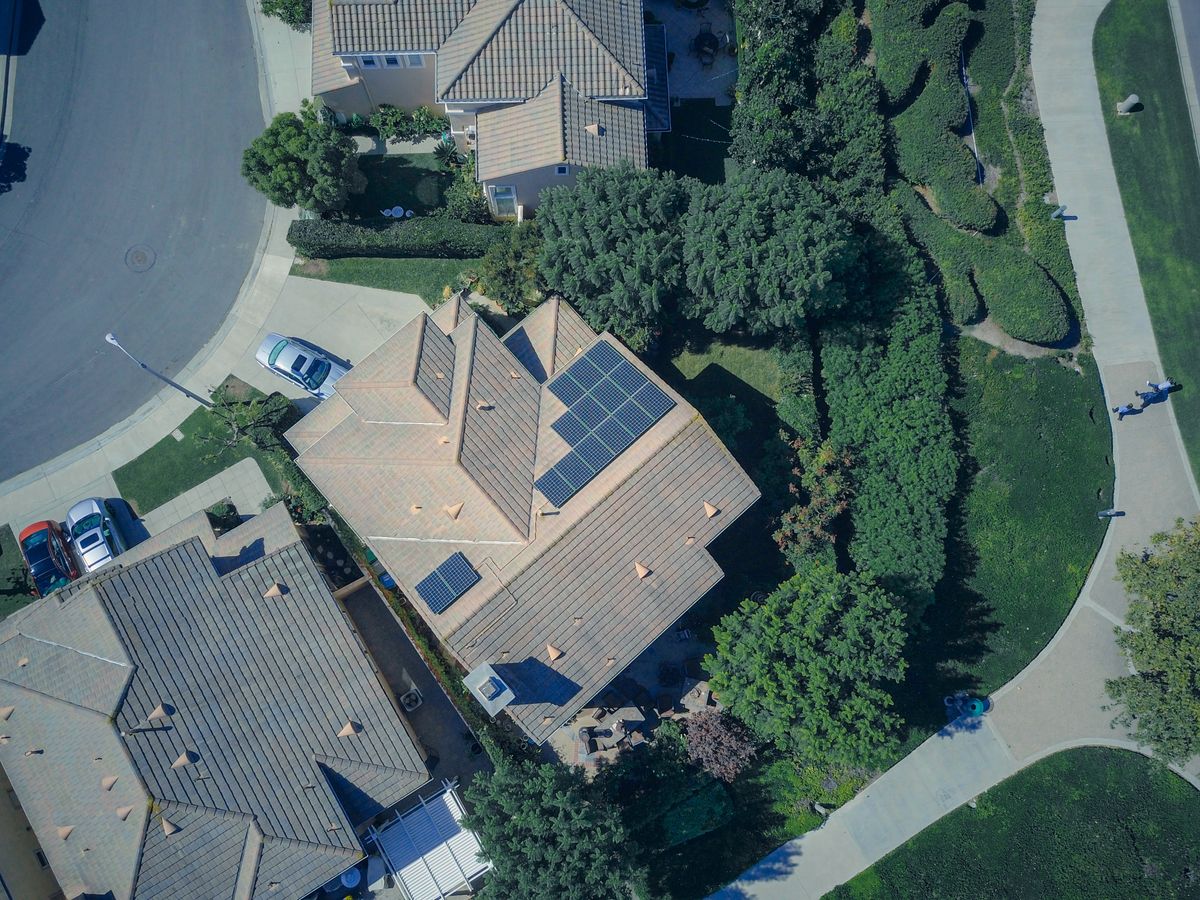
For business owners and commercial solar system operators, monitoring needs scale up significantly.
Commercial solar telemetry software handles things like:
- Multi-site monitoring from a single dashboard
- Inverter fleet health across dozens of locations
- Automated regulatory reporting (SRECs, PJM compliance, utility interconnection requirements)
- Financial performance tracking (energy revenue, avoided costs, ROI)
- Maintenance scheduling integrated with performance alerts
Platforms like Locus Energy, AlsoEnergy (now Stem Analytics), and Aurora Solar's monitoring module are designed specifically for this level of complexity. They integrate with SCADA systems, support hundreds of inverter brands, and generate the kind of reports that commercial property managers and CFOs actually need.
Automatic Solar Data Logger: Setting Up Unattended Monitoring

For any solar monitoring system to be reliable, it needs to run without manual intervention. Here's how to set up automatic solar data logging.
Configuring Your Inverter's Auto-Upload Settings
Most modern inverters handle data upload automatically once WiFi is configured. But check these settings explicitly:
- Upload interval — 5-minute intervals are standard; some systems allow 1-minute intervals for higher resolution
- Data retention — how many days does the inverter buffer data if it loses internet connectivity? Good systems hold 30+ days locally so no data is lost during outages
- Reconnect behavior — when WiFi drops and reconnects, does the inverter automatically upload buffered data? It should
Setting Up a Local Data Logger with InfluxDB
For a local automatic solar data logger:
- Install InfluxDB on a Raspberry Pi or home server
- Write a Python script using pymodbus to poll your inverter every 5 minutes
- Use systemd to run the script as a service that starts automatically on boot
- Schedule a daily InfluxDB backup to external storage
This setup runs indefinitely without manual interaction and gives you a permanent, private archive of your system's entire history.
Solar Monitoring System for Homes: Choosing the Right Setup

With so many options, here's a practical framework for choosing the right residential solar monitoring system.
If You Have a New System with a Major Brand Inverter
Use the manufacturer's native app and cloud platform. SolarEdge monitoring for SolarEdge systems, Enphase Enlighten for Enphase, Fronius Solar.web for Fronius. These are mature, well-supported platforms that handle 95% of what most homeowners need.
If You Want More Data Than Your Inverter App Shows
Add a Shelly EM or CT clamp energy monitor at your main panel. Pull data into Home Assistant. This gives you a complete picture of solar production, home consumption, grid import/export, and battery state — in a single dashboard you control.
If You Have an Off-Brand Inverter or Old System
Check whether your inverter supports Modbus or SunSpec communication. If it does, you can use a universal data logger like the Solar Data Systems PVOutput uploader or a Raspberry Pi with pymodbus. Pair it with PVOutput for free cloud monitoring.
If You're Building an Off-Grid or Hybrid System from Scratch
Victron Energy is the gold standard for off-grid monitoring. Their Cerbo GX hub connects to Victron inverters, MPPT charge controllers, BMV battery monitors, and most third-party inverters through custom integrations. The VRM portal gives you a professional-grade cloud dashboard with no subscription fee. For small homes, also check our Solar Calculator for Small House.
Smart Solar Maintenance Monitoring: Preventing Problems

The best maintenance is the kind that happens before something breaks.
Setting Up Effective Solar Monitoring Alerts
Configure alerts in your monitoring platform for:
- Production below X% of expected for more than 2 hours on a clear day
- Any inverter fault or error code
- Battery state of charge below 20% unexpectedly
- WiFi disconnect lasting more than 24 hours
- Production variance greater than 15% between strings
Most platforms let you set these via email or push notification. Check your alert settings now — the defaults are often too conservative to catch subtle problems.
Solar Panel Maintenance Monitoring Schedule
Your monitoring data should inform your maintenance schedule. Review these on the following cadence:
Daily (quick glance): Production looks normal, no active alerts.
Monthly: Compare this month's specific yield to last year's same month. Look for string-level trends. Check if any single panel is consistently below neighbors.
Annually: Full production report. Calculate year-over-year specific yield. Review all fault logs from the past 12 months. Schedule physical inspection if any data anomalies appear.
Every 2–3 years: Professional thermal imaging inspection. Inverter firmware update. Clean module surfaces if soiling detection data suggests buildup. For comprehensive maintenance, see our Solar Maintenance Guide.
Don't wait for a problem to look at your monitoring data. Build a habit of checking your solar dashboard weekly and doing a monthly deep review.
Your solar system is worth tens of thousands of dollars. The 10 minutes per month it takes to review your monitoring data is the highest-ROI maintenance activity you can do — it catches problems early, validates your savings assumptions, and builds the long-term data record you need to track degradation accurately.
Set up at least one critical alert today. Even just "production below 50% of expected on a sunny day" is enough to catch major faults automatically.
FAQ: Smart Solar Monitoring
What is the best smart solar monitoring app?
For SolarEdge systems, the SolarEdge app is the best choice — it offers panel-level data and is regularly updated. For Enphase systems, Enlighten is similarly strong. If you want a universal app that works across brands and adds intelligent performance analysis, Solar Analytics is the most capable option in 2026.
How does solar monitoring work?
Your inverter or power optimizers collect production data continuously. A communication device (built into the inverter or a separate gateway) sends that data over WiFi or Ethernet to cloud servers. You access the data through a mobile app or web browser. Most systems update every 5–15 minutes.
Can I monitor solar panels with WiFi?
Yes, and most systems do exactly that. The inverter's built-in WiFi module connects to your home network and automatically uploads data to the monitoring cloud. The main limitation is distance — if your inverter is far from your router, you may need a WiFi extender or Ethernet run.
What is a solar monitoring dashboard?
A solar monitoring dashboard is the visual interface — usually a web browser or app screen — that displays your solar system's performance data. A good dashboard shows live power output, daily and historical production graphs, string or panel comparisons, alerts, and energy flow diagrams.
How do I track solar energy production?
Use your inverter's native app as the starting point. Log in regularly and check your daily production graph, your monthly kWh total, and compare those numbers to your installer's production estimate. For more advanced tracking, Solar Analytics or a custom Home Assistant setup adds weather normalization and long-term trend analysis.
What is SolarEdge monitoring login used for?
SolarEdge monitoring login gives you access to your solar system's performance data through the mySolarEdge app or the SolarEdge monitoring portal. You can see panel-level power maps, production history, system alerts, and self-consumption data. Installers use a separate installer-level login to access diagnostic tools not available in the homeowner view.
Can I build a DIY solar monitoring system?
Absolutely. The most common approach uses a Raspberry Pi polling your inverter via Modbus, storing data in InfluxDB, and visualizing it in Grafana. A simpler starting point is a Shelly EM energy monitor at your main panel combined with Home Assistant. Both approaches work well and give you local data ownership.
How do I monitor solar battery health?
Your battery management system (BMS) app is the first stop. Look at state of charge trends, cycle count, and temperature readings. For deeper analysis, track your battery's actual usable capacity over time — a battery that used to hold 13.5 kWh but now consistently maxes out at 11 kWh has lost capacity and needs attention.
Why is my solar production lower than expected?
Start by checking inverter alerts for fault codes. Then check panel-level data for outliers. Review weather data for your area on the days in question. Walk around your roof and look for new shading sources. If everything checks out and production is still consistently low, call your installer for an on-site evaluation.
What is the best solar monitoring system for homes?
For most homeowners with a name-brand inverter, the manufacturer's native monitoring platform is the best starting point — it's free, well-supported, and handles the basics well. For users who want more granular data, Home Assistant integration provides the deepest visibility. For off-grid systems, Victron's ecosystem is the gold standard.
Start Monitoring Seriously Today
Most solar system owners underuse their monitoring tools. They installed the app on day one, tapped through it a few times, and haven't looked at it seriously since.
📊 Run Solar Panel CalculatorFast • Accurate • 100% Free to Use
That's money left on the table.
Your solar system is a long-term asset worth tens of thousands of dollars. Smart solar monitoring — done consistently, with the right tools — protects that investment, catches problems early, and helps you squeeze every available kilowatt-hour out of your array.
Whether you're using the SolarEdge monitoring dashboard, building a custom Raspberry Pi data logger, or just getting started with a Shelly EM, the key is to engage with your system's data regularly. Compare months. Investigate anomalies. Set up alerts. Understand what normal looks like — so you immediately recognize when something isn't.
The technology exists. The apps are mature. The data is already flowing from your panels to a server somewhere. The only thing between you and a fully optimized solar system is taking the time to actually read it.
For Texas solar owners, check our Solar Calculator for Texas Home. For RV setups, see our RV Solar Calculator. And for unique applications like solar power for livestock, visit our Solar Power for Chicken Coop Heater guide.
This article covers smart solar monitoring systems, real-time solar analytics, IoT solar tracking, home solar monitoring setups, and solar inverter telemetry for residential and commercial systems. See our Engineering Disclaimer and Privacy Policy for more information.